MY MENU tip highlight 1 MY MENU tip highlight 2 MY MENU tip highlight 3
AI Powered

One system for every venue — guests order on their phone, your team runs the floor

AI Powered — guests ask about dishes, drinks, ingredients, and the restaurant, then order in the same system.

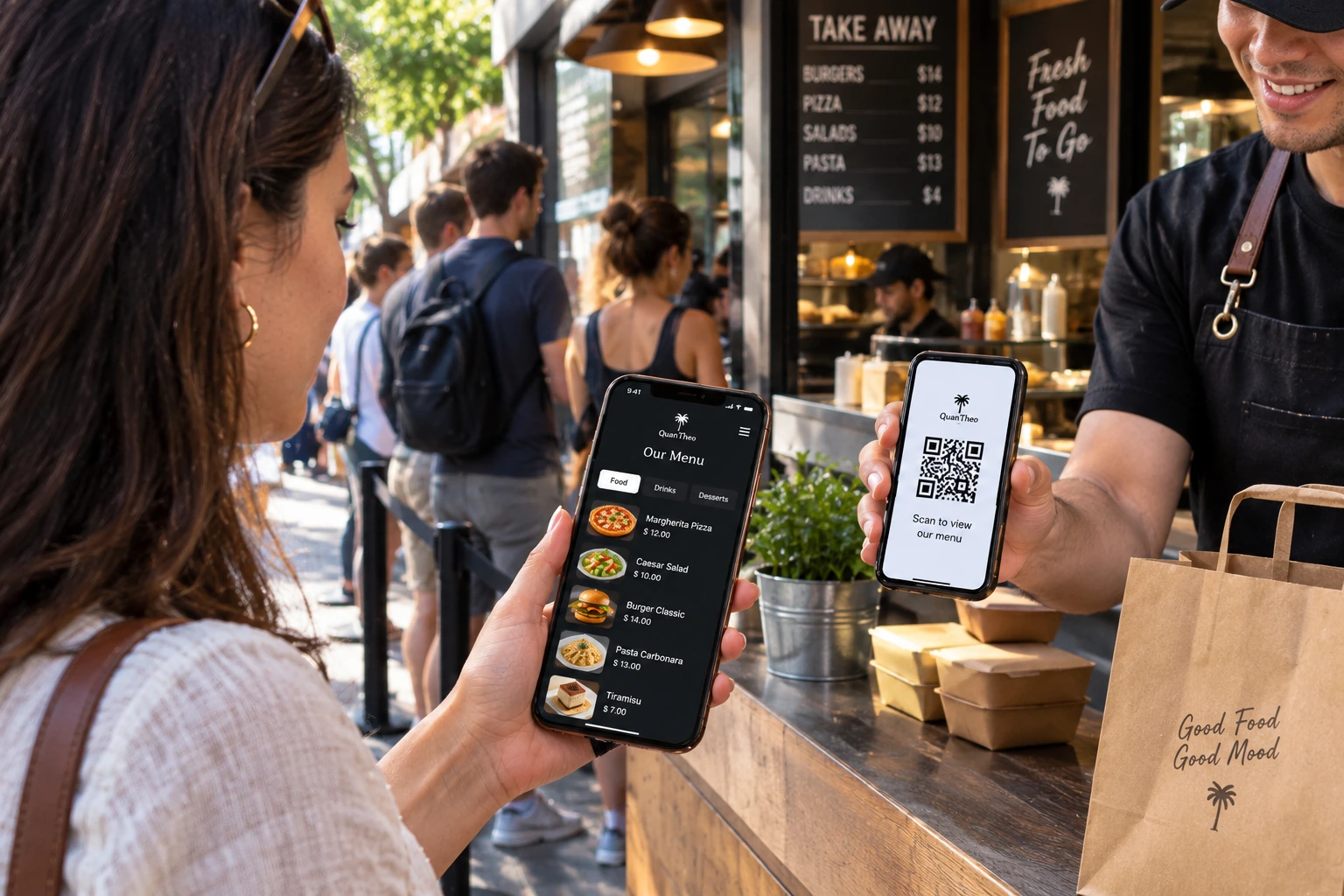
MY MENU is the high-skill ordering layer for independent restaurants, neighborhood bars, boutique hotels, and takeaway counters. Guests scan a QR, order in seconds, and your kitchen, bar, and waiters work from precise live tickets — no paper menus, no ticket printers running out mid-service. Full access via Support Us: AI assistant, My Menu, Shop, Staff QR.

0%Commission on orders
LiveKitchen & bar tickets
QRTable · room · counter
MultiLanguage & currency — staff & guests
The story

From the first scan to the last pour — one continuous flow

A guest sits down, checks into a room, or walks up for pickup. They scan once. The menu opens on their phone. Orders land as clean tickets in the kitchen and at the bar. Waiters run food, collect bills, and host — without rewriting tickets by hand. Payment is a static QR. You keep every cent of the sale.

Four venues · one product

Built for how you actually serve

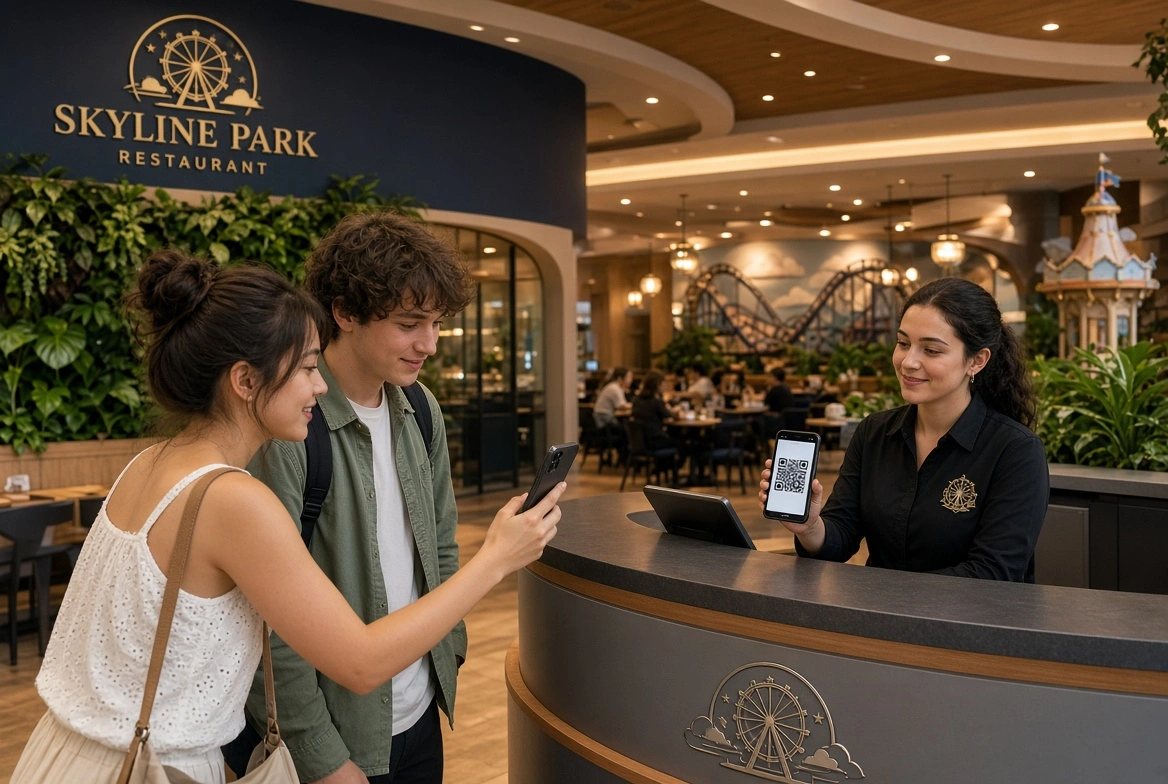
Restaurant table service

Restaurant

Table QR sessions, multi-course holds, kitchen + bar split tickets, waiter run screens, bill request and tip flow — full dining service without paper chaos.

Bar drink ordering

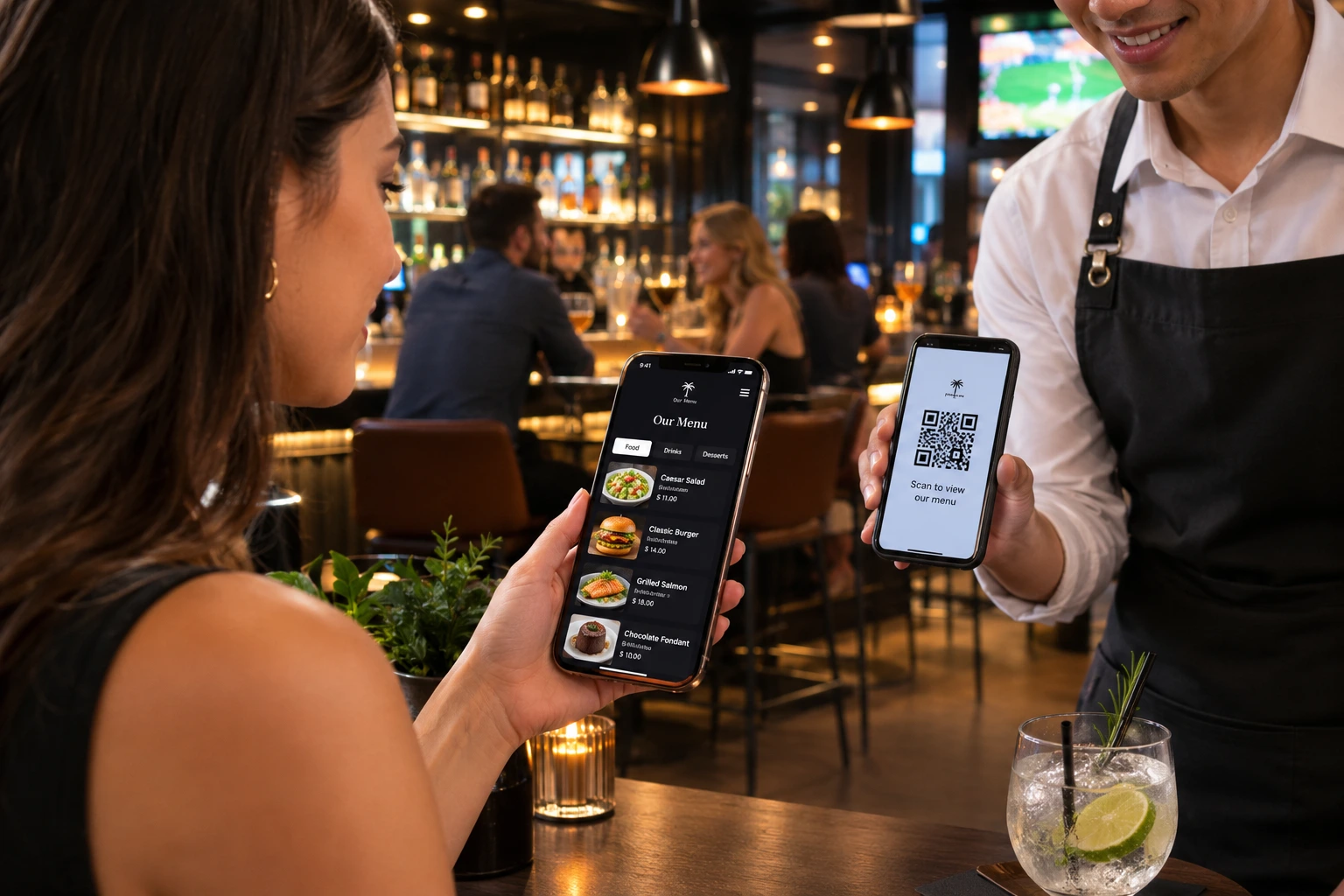
Bar

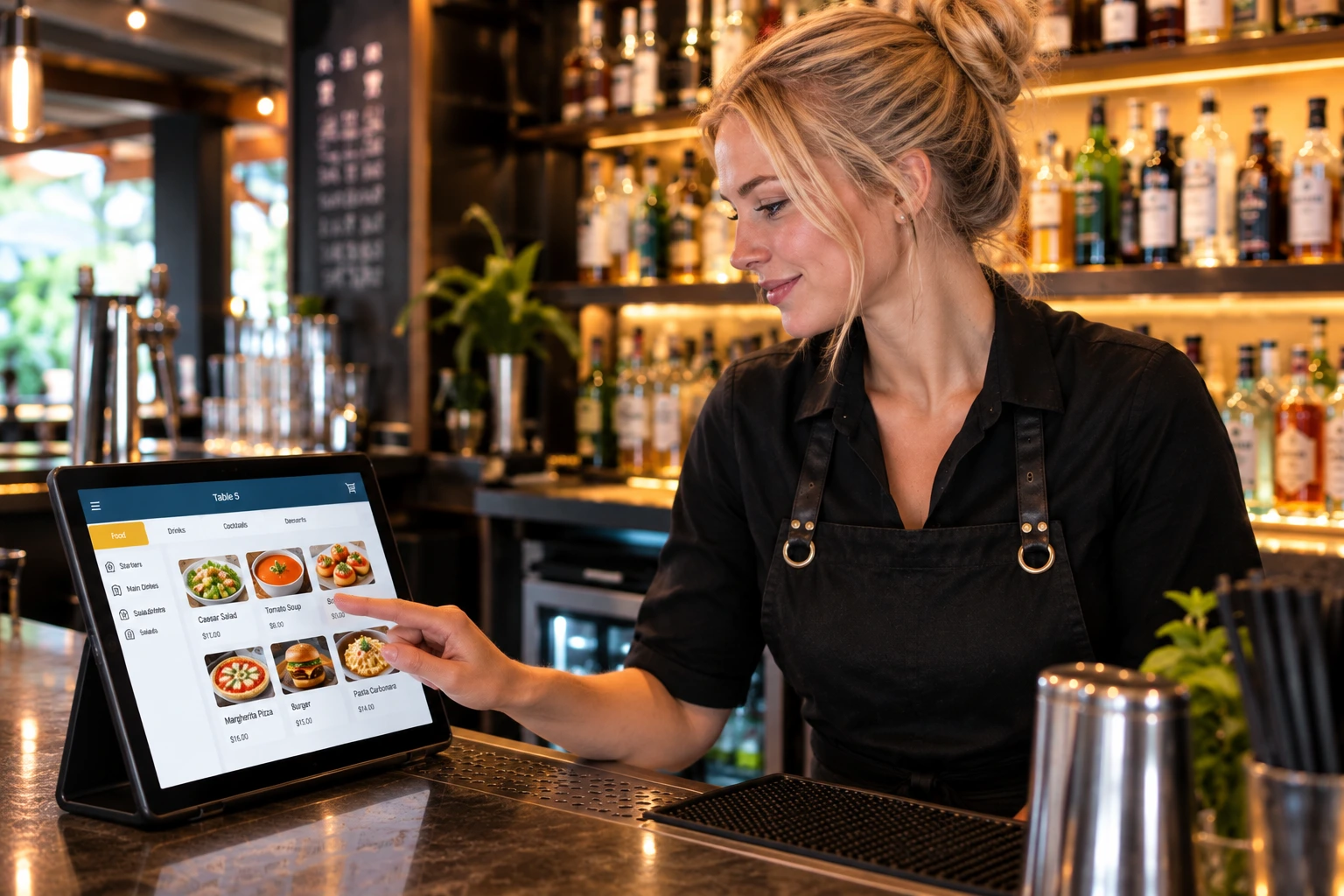
Dedicated drink tickets, seat context, and a clean bar screen so rounds stay accurate when the room is loud and full.

Hotel room service

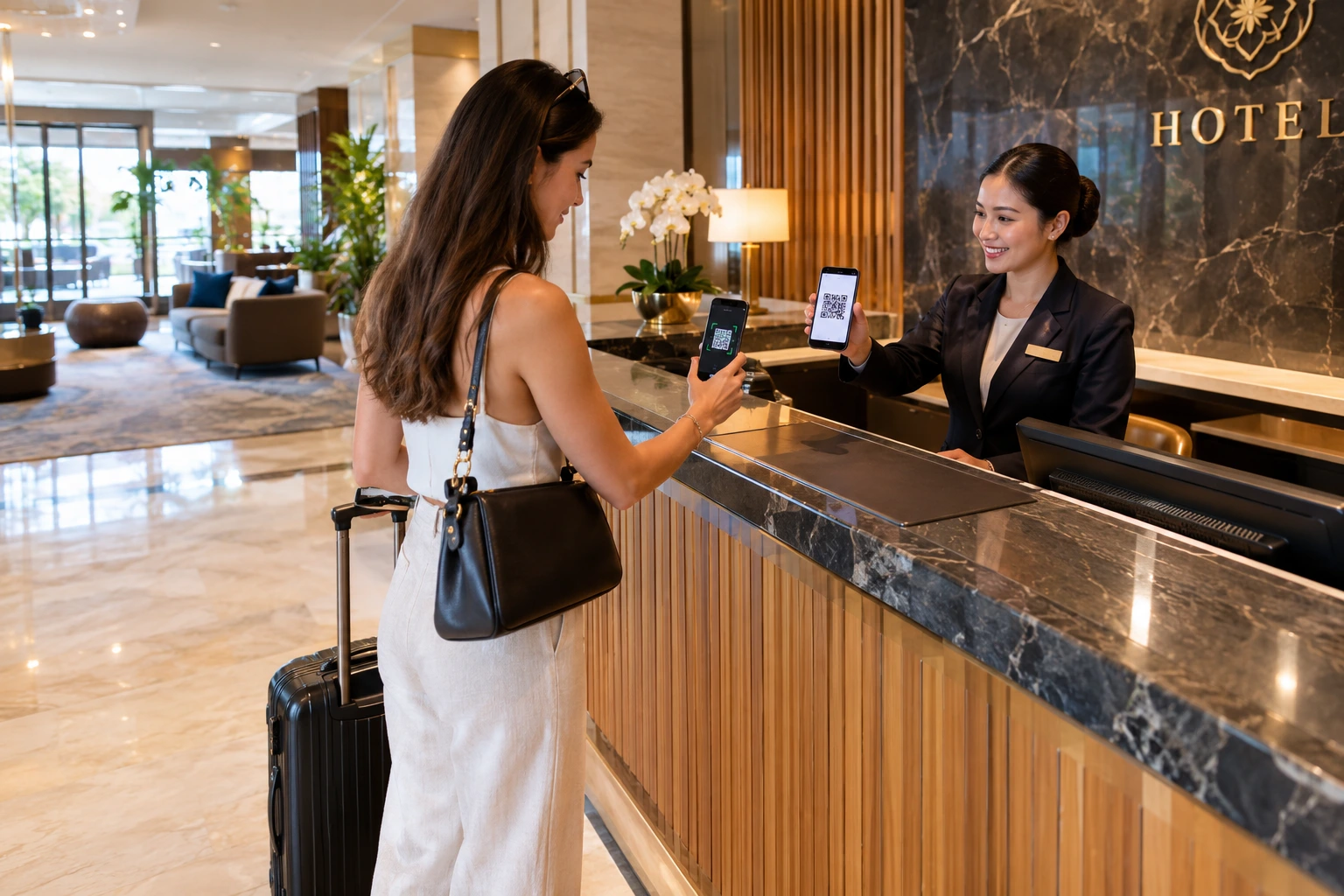
Hotel

Per-room QR ordering for room service. Guests order from the bed; kitchen receives a precise ticket; staff deliver with confidence.

Takeaway and pickup

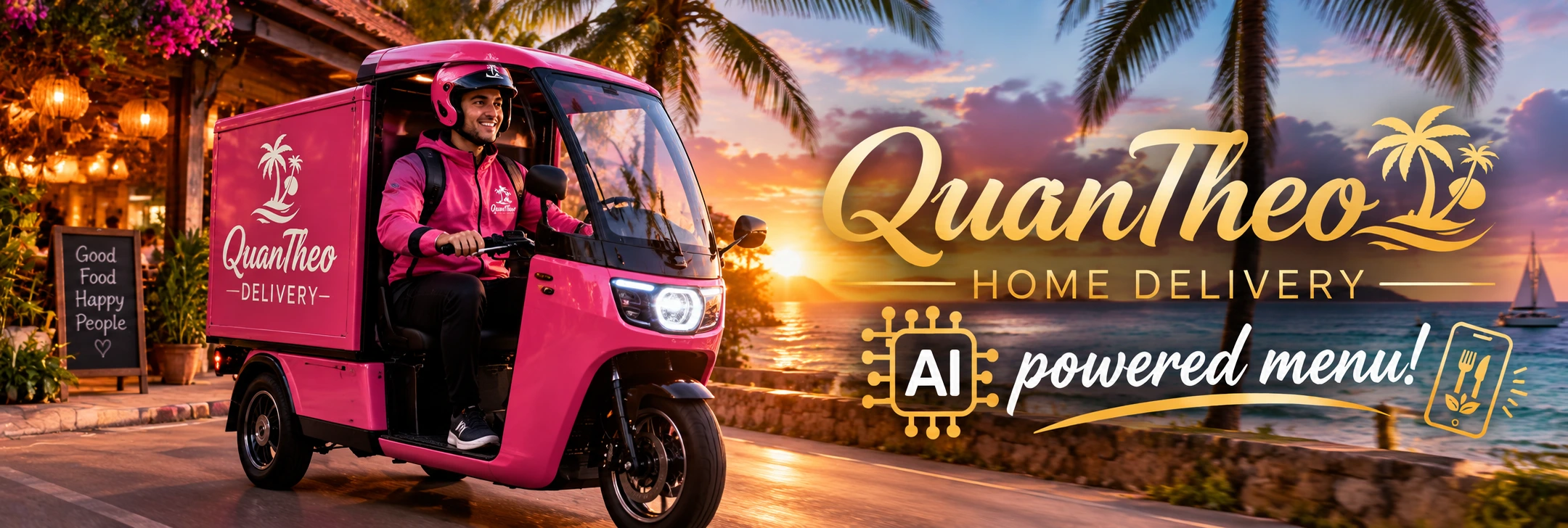
Takeaway & delivery

Counter and packaging QR codes. Guests order and collect — you keep 100% of every sale. No marketplace commission.

How it works

Scan → order → ticket → pay

Guest scans QR

Table, room, counter, or packaging. A session opens on their phone — no app install.

Kitchen & bar tickets

Food and drinks split to the right screens. Live status, notes, and courses stay accurate.

Service & pay

Waiters run the floor. Guests request the bill and pay via your static payment QR.

Greener · More practical · More efficient

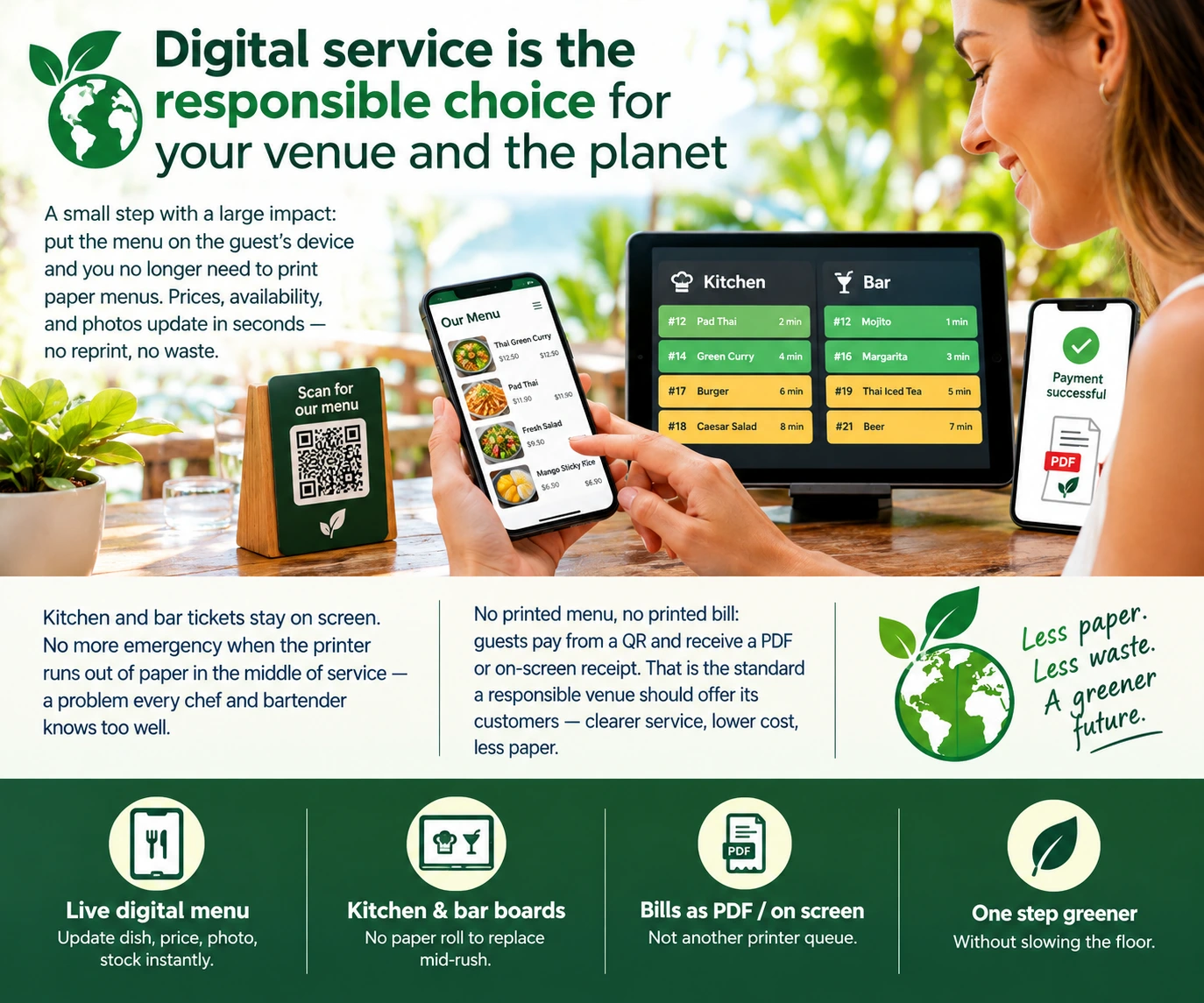
Digital service is the responsible choice for your venue and the planet

A small step with a large impact: put the menu on the guest’s device and you no longer need to print paper menus. Prices, availability, and photos update in seconds — no reprint, no waste.

Kitchen and bar tickets stay on screen. No more emergency when the printer runs out of paper in the middle of service — a problem every chef and bartender knows too well.

No printed menu, no printed bill: guests pay from a QR and receive a PDF or on-screen receipt. That is the standard a responsible venue should offer its customers — clearer service, lower cost, less paper.

  • ✓ Live digital menu — update dish, price, photo, stock instantly
  • ✓ Kitchen & bar boards — no paper roll to replace mid-rush
  • ✓ Bills as PDF / on screen — not another printer queue
  • ✓ One step greener without slowing the floor
MY MENU digital ordering — AI-powered service for restaurants
What you get

Professional toolkit — full platform

Everything a serious venue needs for guest ordering and staff execution — AI assistant, My Menu, Shop, Staff QR, and multi-location POS with paid codes.

Guest experience

  • ✓ Scan table / room / counter QR — no app download
  • ✓ Browse full menu with photos, allergens, and notes
  • ✓ Multi-guest ordering at the same table
  • ✓ Courses, special requests, and “send next course”
  • ✓ Live order progress on their phone
  • ✓ Request bill, tip staff, download paid bill PDF
  • ✓ Call waiter and notify service from the phone
Bartender and guest experience
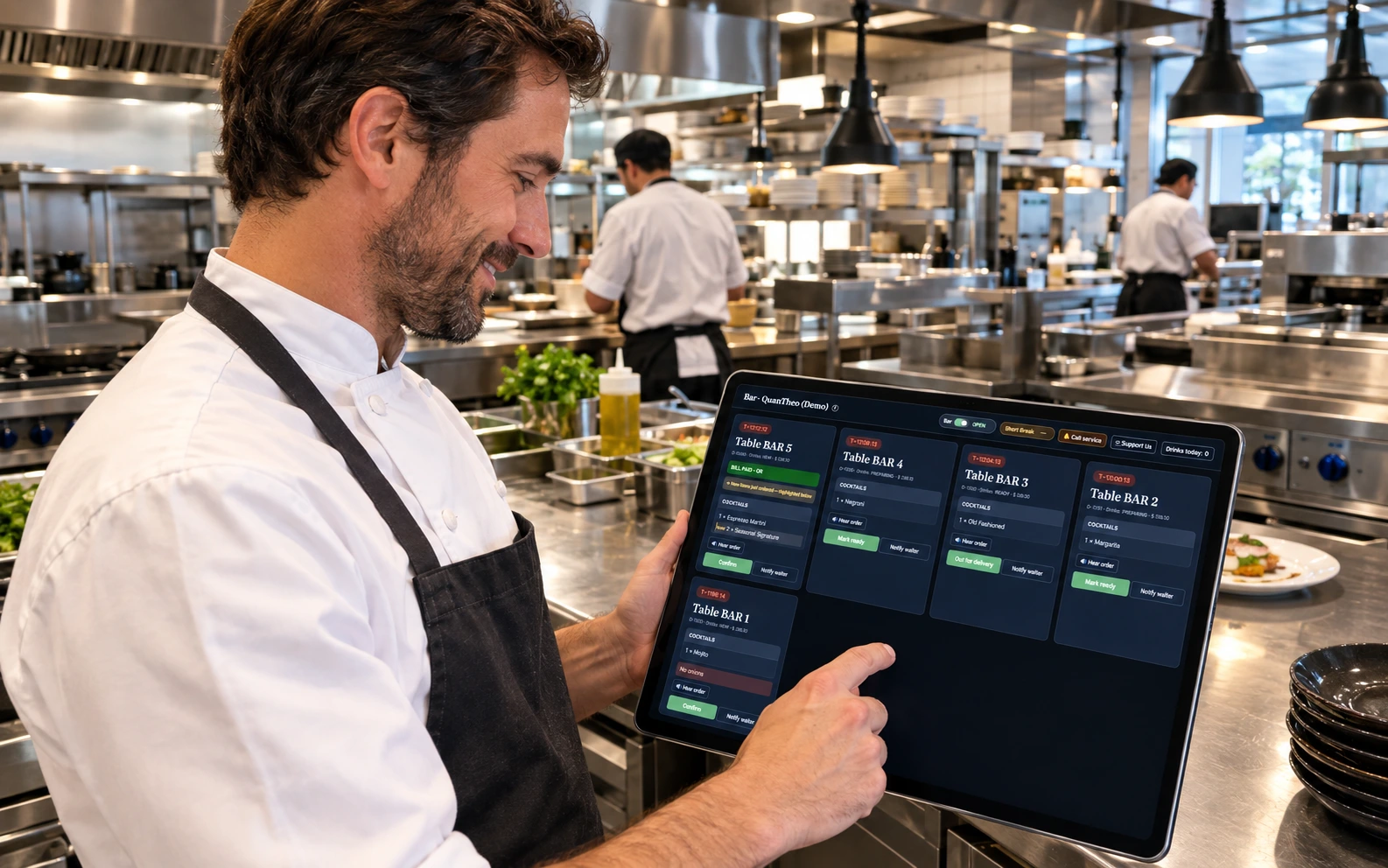
Chef and kitchen display

Kitchen, bar & service

  • ✓ Live kitchen display for food tickets
  • ✓ Dedicated bar screen for drinks
  • ✓ Waiter / service board: run food, bills, calls
  • ✓ Direct order for walk-up / verbal orders
  • ✓ Station open/close and short breaks
  • ✓ Named waiter pages and performance totals
  • ✓ Supervisor overview of the whole floor

Floor, tables & rooms

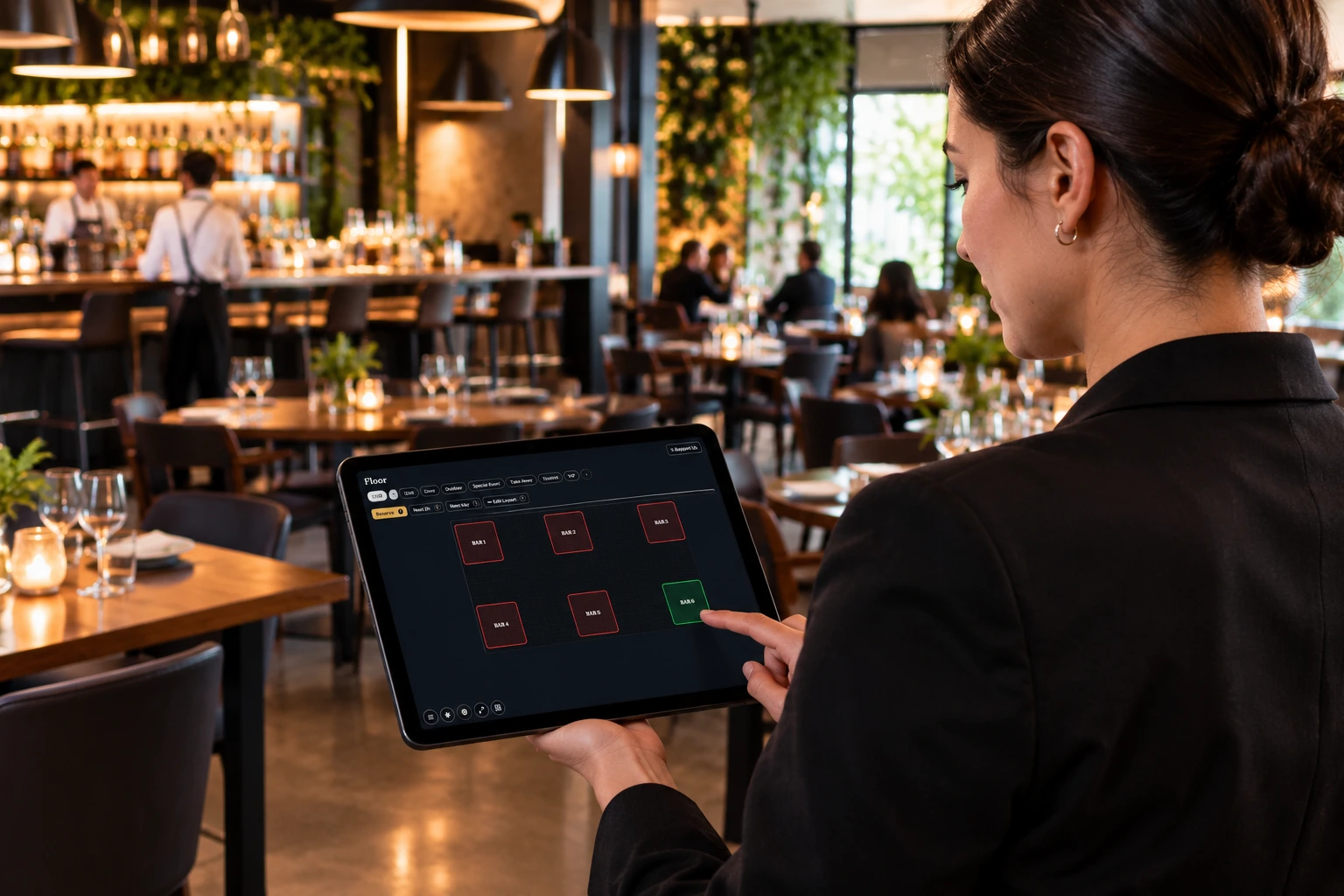
  • ✓ Multi-floor / multi-area floor plans
  • ✓ Live status: free, occupied, reserved
  • ✓ Reservations, next-2h view, calendar
  • ✓ Timed QR sessions per table or room
  • ✓ Square table markers on a square canvas
  • ✓ Hotel room service per room number
Supervisor and floor management
Takeaway zero commission

Menu, bills & business control

  • ✓ AI-assisted menu import in minutes
  • ✓ Stock / sold-out toggles, categories, photos
  • ✓ Open bills, split bills, payment method capture
  • ✓ Static payment QR — you keep 100% of sales
  • ✓ Waiter performance and sales goals
  • ✓ Stats: revenue, top dishes, by hour/day
  • ✓ Staff roles: admin, supervisor, waiter, kitchen, bar
  • ✓ Multi-currency for staff and guests

QR ordering anywhere

Tables, rooms, counter, packaging, flyers. One menu, many entry points.

Kitchen display

Live food tickets so the line works from a screen, not scattered paper.

Bar screen

Dedicated drinks list with quantities and notes — even when the room is packed.

Waiter board

Run food, answer calls, handle bill requests, place direct orders.

Menu & stock

Toggle availability, import large menus in minutes, keep prices accurate.

Bills & payment QR

Request bill, split, static payment QR — you keep 100% of every ticket.

Floor plans

Multiple floors and areas, live occupancy, reservations, timed table QR.

Zero commission

No commission on orders — marketplaces never touch your tickets. Full access via Support Us.

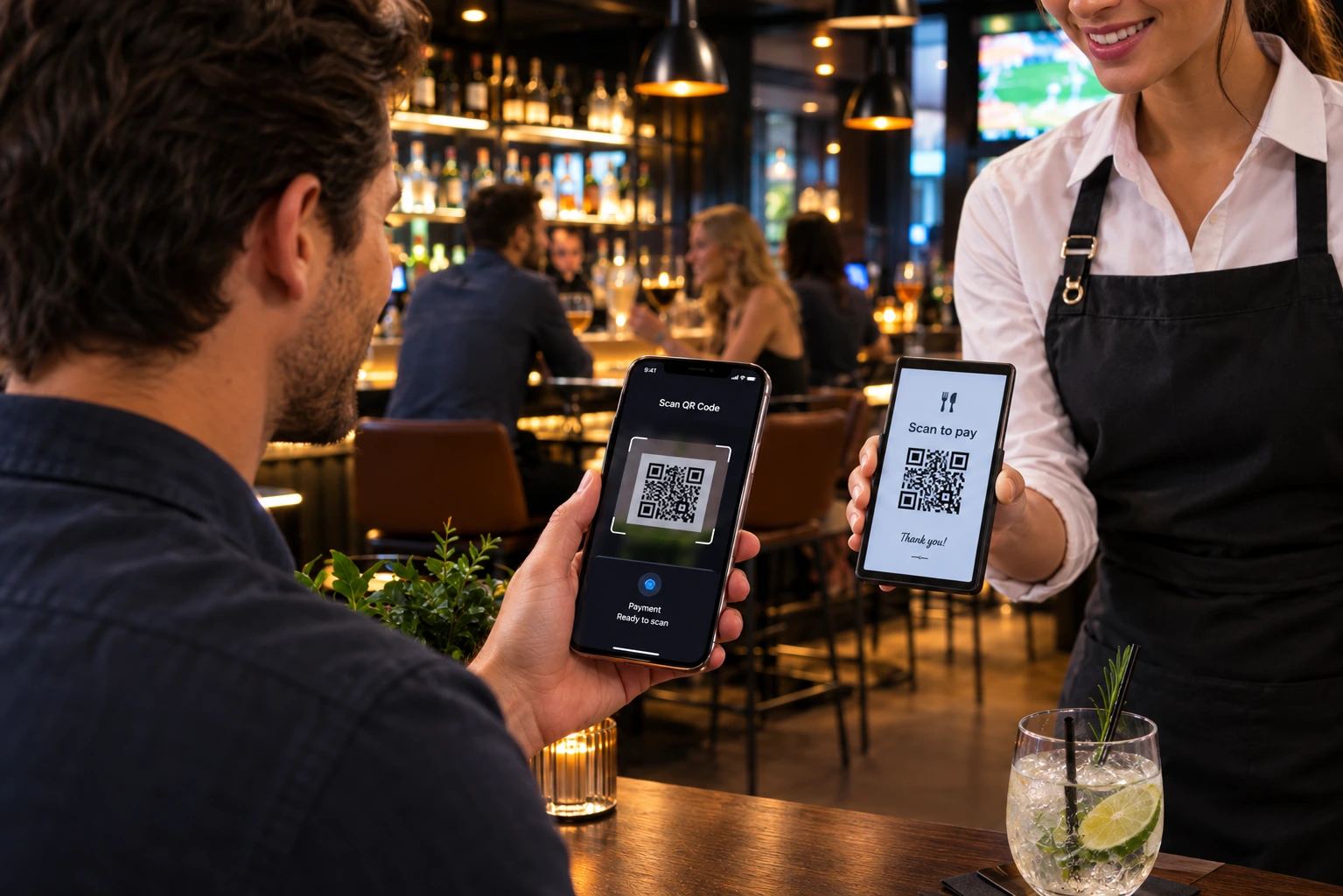
Scan to pay

Guests pay with a single scan — no app, no card fees for you

Show your static payment QR when the bill is requested. Guests download or scan it and pay from their banking app. Fast, simple, and you keep every cent.

Get your access code
Scan to pay QR experience
Menu import

Import hundreds of food and drink menu items in just minutes.

Paste the text from any AI extraction — AI structures categories, dishes, prices, ingredients, and allergens. Review once, go live the same minute.

Business continuity by design

Built to keep serving when power or internet fails

One of the greatest strengths of this application is its exceptional resilience during infrastructure failures. Traditional systems stop. MY MENU is designed so your venue can keep taking and managing orders using tools you already have.

Power outage? Service continues.

If the restaurant loses electrical power, the system can continue operating because staff use mobile phones, tablets, or laptops — all of which have their own batteries. Orders can still be received, managed, and processed without interruption while the power outage is being resolved.

Internet outage? Service continues.

If the venue Wi‑Fi or fixed internet fails, switch to a mobile data connection (4G or 5G). Any smartphone can create a Wi‑Fi hotspot so staff devices — and guests if needed — reconnect within seconds. The hotspot can even use the same network name (SSID) and password as the original network, so compatible devices may reconnect automatically with minimal intervention.

Why this matters

These scenarios are outside the application’s responsibility — they depend on the restaurant’s own infrastructure. However, the application is designed to take full advantage of the backup capabilities already available on modern devices:

  • Battery-powered phones, tablets, and laptops keep the system running during power failures.
  • Mobile 4G/5G connectivity provides an immediate backup when fixed internet is unavailable.
  • A temporary hotspot can restore connectivity for both staff and guests in just a few moments.

Result: uninterrupted restaurant service in situations that would normally stop traditional systems — maximum availability by design.

FAQ

Questions venues ask before getting started

What is included in the free app?

Unlimited access for your whole team for free, forever: guest QR ordering, kitchen and bar ticket screens, waiter tools, supervisor views, live floor plan, reservations, menu management, bills & payment QR, staff accounts, stats, and automatic updates. One free account covers one business. Support the project via Support Us if you wish.

Is there any commission on orders?

No. MY MENU never takes a cut of food or drink sales. Guests order through your QR; you charge them your way. You keep 100% of every order.

Do guests need to install an app?

No. Guests scan the table or room QR with their phone camera and order in the browser. No download, no account required for the guest.

What devices do staff need?

Any modern phone, tablet, or computer with a browser. Many venues put an old phone on the kitchen wall and another at the bar. No special hardware or POS terminal required.

Can I run kitchen, bar, and waiters at the same time?

Yes. Food tickets route to the kitchen screen, drinks to the bar screen, and waiters get ready-order pings, table status, and optional guest call / notify tools. Roles are separate: Admin, Kitchen, Bar, Waiter, and Supervisor.

What happens if I stop using the app?

Access is tied to your paid Support Us code and subscription terms. Your menus, rooms, orders, photos, and settings stay stored according to those terms.

How fast can we go live?

Get your access code from Support Us, create the business, add rooms or tables, upload the menu, print QR codes, and put a phone in the kitchen. Most independent venues are ordering the same minute after import.

Does it support hotels and room service?

Yes. Hotels use per-room QR sessions so every order is tied to a room number. Kitchen and staff see the room on every ticket for accurate delivery.

Can we take reservations and manage the floor?

Yes. Live floor plan shows free, occupied, and waiting tables. You can book tables, manage reservation status, clear tables, and generate timed QR sessions per table.

How do bills and payments work?

Guests can request the bill from their phone. Staff can mark orders paid and show a payment QR so guests can pay with your preferred method. MY MENU does not process card payments for the meal — it coordinates the service workflow.

Is multi-currency supported?

Yes. MY MENU supports multi-currency for staff and guests. Guests can view menu prices in another currency for reference while the bill stays in the venue currency.

Can I try before creating a business?

Yes. Open the interactive demo or try the menu to walk through guest ordering and staff screens. When you are ready, get your access code at support-us.quantheo.app and create your business.

How do I get an access code?

Get your unique access code at support-us.quantheo.app. One code unlocks the full platform: AI assistant, My Menu, Shop, and Staff QR. Additional branches need their own paid codes.
Full platform access

AI assistant · My Menu · Shop · Staff QR — get your unique access code, then create your business.

Enter your unique access code to create your hotel, restaurant, bar, or any business.

need a code?
Get your access code on Support Us

Codes are short (8 characters), e.g. DDQM3RDX or XXQAJD52. Each code is one-time use.